
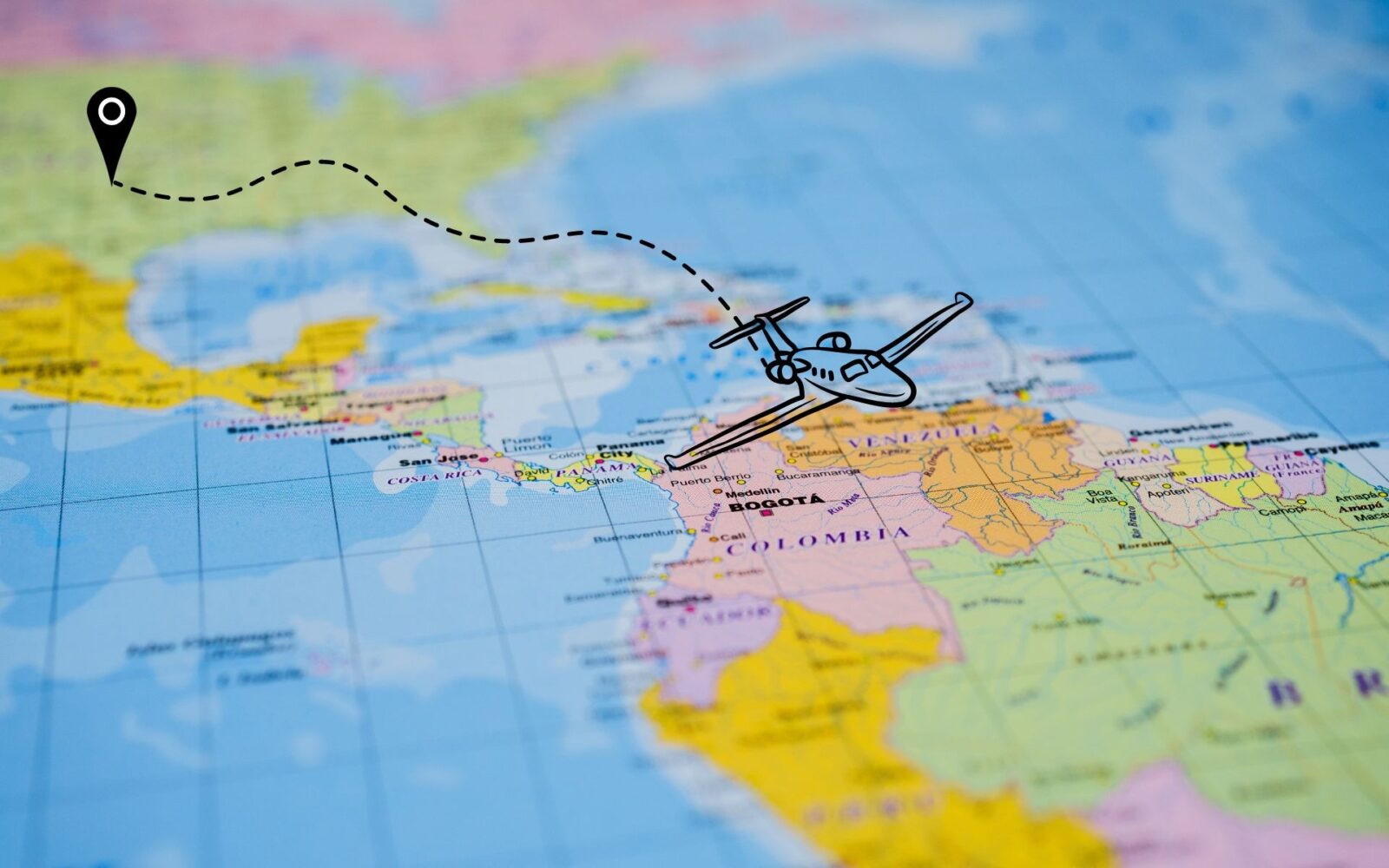
Flight trackers show you where an aircraft is, what type it is and when it will arrive, along with a range of other useful details.
Say you have booked a car to meet a flight. You need to know when the aircraft will land. Or you want to surprise someone at the airport: a tracker shows exactly where their plane is and when it will arrive.
Tracking apps cover private charter aircraft as well as airline flights. Some private flights are hidden, though: owners can ask the FAA to block their aircraft from public tracking feeds through its LADD program.
Below are the best-known tracking apps, how they work, and their strengths and weaknesses.
How to Track a Private Flight?
Many websites and apps track private charter aircraft, including FlightAware, Flightradar24 and Plane Finder. They show a flight in real time, with its position, speed and other key details.
The apps differ in accuracy and in how much information they provide, so try a few to find the one that suits you.
The apps covered here:
- FlightAware
- Flightradar24
- Plane Finder
- FlightView
- RadarBox
1. FlightAware
Photo credit: flightaware.com
FlightAware lets you find flights by flight number, airline, airport, city, or departure and arrival time. You can track both commercial and private aircraft and look up information on airports and aircraft worldwide.
Push notifications, flight information and weather are only some of the features. Paid subscriptions add more, such as tail-number and call-sign details and more advanced weather and air traffic data.
FlightAware also offers dedicated services for aircraft owners and operators, with fleet monitoring and detailed flight reports.
The app is available for iOS and Android and on the web. Basic use is free, and you can subscribe for additional features.
2. Flightradar24
Photo credit: flightradar24
Flightradar24 has a search bar with filters, so you can find information by flight, airport or airline. You can narrow results by aircraft type, airline, speed and altitude. Photos of many aircraft are included, and an augmented-reality view identifies the plane overhead when you point your phone at the sky.
A Silver membership adds more detail on flights and aircraft, including altitude, speed and serial number, plus current weather and airport information.
A Gold membership adds aeronautical charts, real-time weather layers and a full year of flight history, among other features.
The live map is the app’s standout feature. You can watch flights move in real time, and the visuals and customization options are excellent. It gives you a pilot’s-eye view of the skies.
The app is available on the web and for Android and iOS. Silver and Gold are paid tiers.
3. Plane Finder
Plane Finder is simple, practical and addictive. You can follow almost any aircraft in real time and see its speed, heading and altitude. Flight and airport information is available day or night, and the app’s theme adapts to the time of day.
The app locates aircraft using ADS-B signals sent by the plane and MLAT positions calculated on the ground from its transponder signals. The same technologies are used in air traffic control.
The app is free and available for Android and iOS, as well as on the web.
4. FlightView
FlightView is easy to search, and a minimal number of tabs gets you to the flights and routes you need.
The free version includes upcoming flights, schedules, real-time weather, delays, maps and airport information.
Paid versions add more. You can sync flights with your phone’s calendar so the details appear there automatically.
Flight Boards let you see and filter all arrivals and departures at an airport, and extended weather forecasts are available in the higher tiers.
A useful extra is the ability to follow activity at your local airport.
FlightView is free to download for iOS and Android, with paid upgrades available.
5. RadarBox

Photo credit: radarbox.com
RadarBox draws on a large network of ADS-B receivers, so you can see the latitude, longitude, altitude and speed of the aircraft you are following.
Flight details are extensive: aircraft model, route, altitude, speed, position, arrivals and departures, delays and even a photo of the aircraft.
You can search by flight number and look up airports. Data comes from ground receivers and satellite sources, which gives accurate, cross-checked information.
Paid tiers remove ads and add features such as live air traffic control audio, satellite imagery, hybrid map views, weather layers and air traffic control boundaries.
Higher tiers extend flight history, so you can review past flights, build lists of flights to follow and see full arrival and departure information for airports.
The app is free and available for Android and iOS, as well as on the web. Paid upgrades are available.
FAQ About Tracking Private Jet Flights
Why download flight tracker apps?
The apps above are the best options for tracking private jet charters, each with its own strengths.